Workflow Automation
- Automate repetitive approval workflows
- Get multi-step business workflows
- Route requests to right teams
- Trigger actions across connected apps

Get a trained professional who builds, maintains, and improves your business workflows
We align your VA's working hours with your time zone
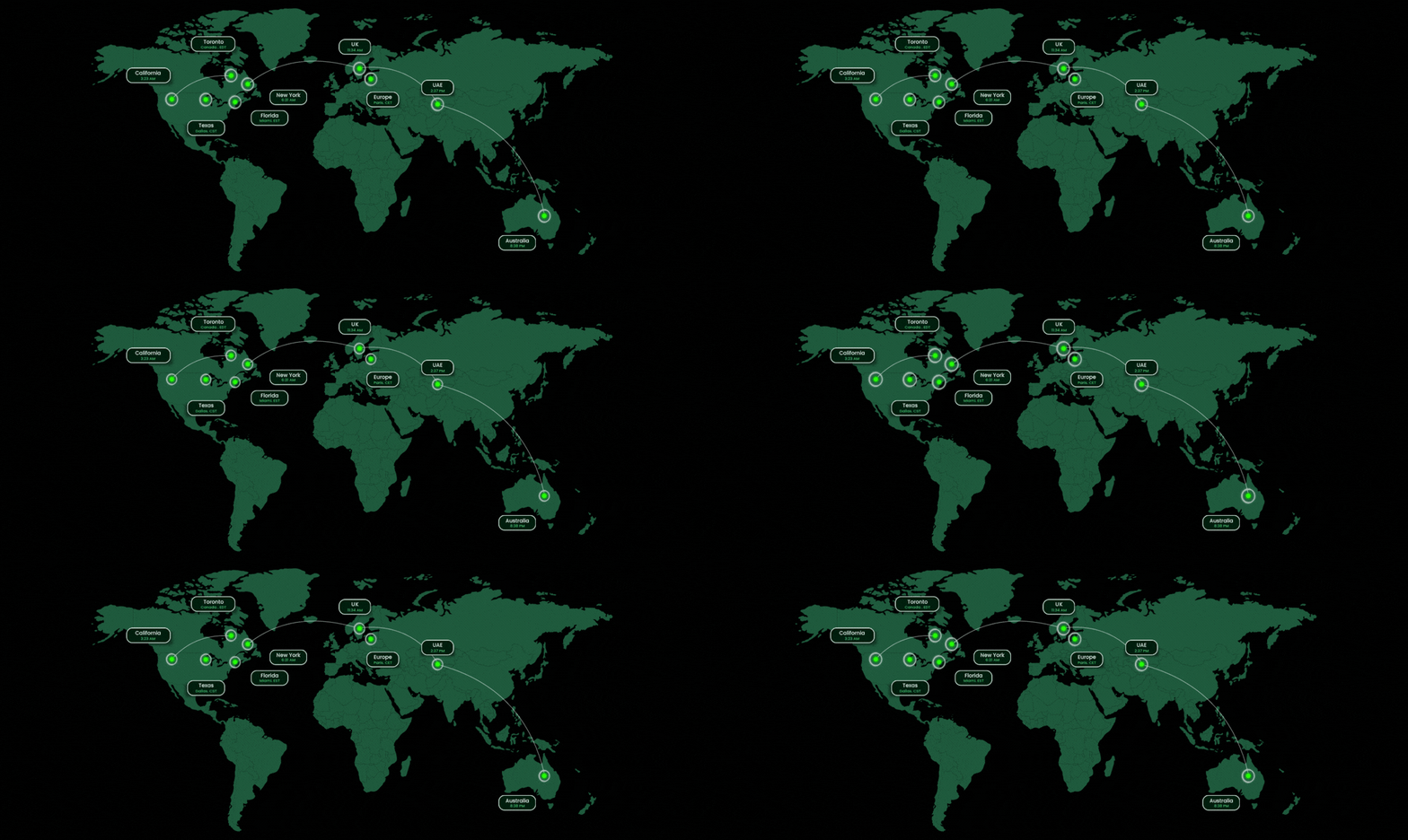
 USA
 UK
 Canada
 UAE
 Australia
 Europe
And 50+ More Industries
I have been using the services of Wishup for close to half a year now and I truly feel this is one of the best investments I have made.

Professional, trustworthy, and competent is how I would describe Virtual Assistants at Wishup.

These knowledge workers are so smart, educated, and articulate and also seek clarification to understand me as an individual and what I'm looking for.

Utilizing a remote admin workforce has saved us money by making sure all our physical spaces are used for billable services.

You can delegate workflow setup, approval automation, data syncing, report generation, notifications, app integrations, and existing flow maintenance. They can also automate repetitive desktop tasks and connect cloud workflows with desktop processes.
Simple flows can be built yourself, but workflows involving multiple systems, conditions, permissions, desktop automation, or premium connectors can get complicated quickly. An expert can build the workflow correctly, test failure cases, troubleshoot issues, and maintain it as your processes change.
Hiring a Power Automate expert can cost around $30 to $125+ per hour, depending on their experience, location, and the complexity of your workflows. With Wishup, you can hire a pre-vetted Power Automate VA starting at US$1,999/month for part-time support or US$2,999/month for full-time support.
Wishup can match you with pre-vetted candidates based on your workflows, tools, working hours, and requirements. You can interview candidates before hiring and request additional interviews until you find the right match.
Yes. Power Automate can connect with many external services through standard, premium, and custom connectors. A Wishup expert can help connect Microsoft tools with the other business apps you use, depending on available connectors, APIs, permissions, and your Power Automate license.
Yes. You don't need to start from scratch. An expert can review existing flows, troubleshoot failures, remove unnecessary steps, update connections, and improve workflows that have become difficult to maintain.
Yes. Power Automate for desktop supports robotic process automation for repetitive tasks performed on desktop and web applications. Desktop flows can also be triggered through cloud flows, although the setup and licensing requirements depend on whether the automation runs attended or unattended.
It depends on what you want to automate. Some Microsoft 365 licenses provide access to limited Power Automate capabilities, while premium connectors, full desktop automation, and certain unattended processes require additional licensing. Your requirements should be checked before deciding which license you need.
Wishup provides a legal NDA by default and follows SOC 2 and GDPR requirements. Your VA should also work within the permissions and access levels you provide rather than receiving unnecessary access to your entire technology stack.
Yes. Wishup matches experts based on your required working hours, including time zone overlap. This lets your Power Automate expert collaborate with your team during your business hours even if they're working from another location.
A freelancer can work well for a small, one-time automation project. A managed Power Automate VA makes more sense when you need someone to continuously build, monitor, fix, and improve workflows. With Wishup, you also get vetting, management, quality checks, backup coverage, and replacement support.
Look beyond whether someone knows how to create flows. Power Automate virtual assistant understands business processes, connectors, conditions, error handling, permissions, testing, and how cloud and desktop flows work together. They should also be able to explain what should be automated and what shouldn't.
Yes. Power Automate isn't necessarily a one-and-done project, especially when workflows depend on changing processes, applications, permissions, and connections. A dedicated and expert virtual assistant can monitor existing automations, troubleshoot failures, make updates, and build new workflows as your requirements change.